
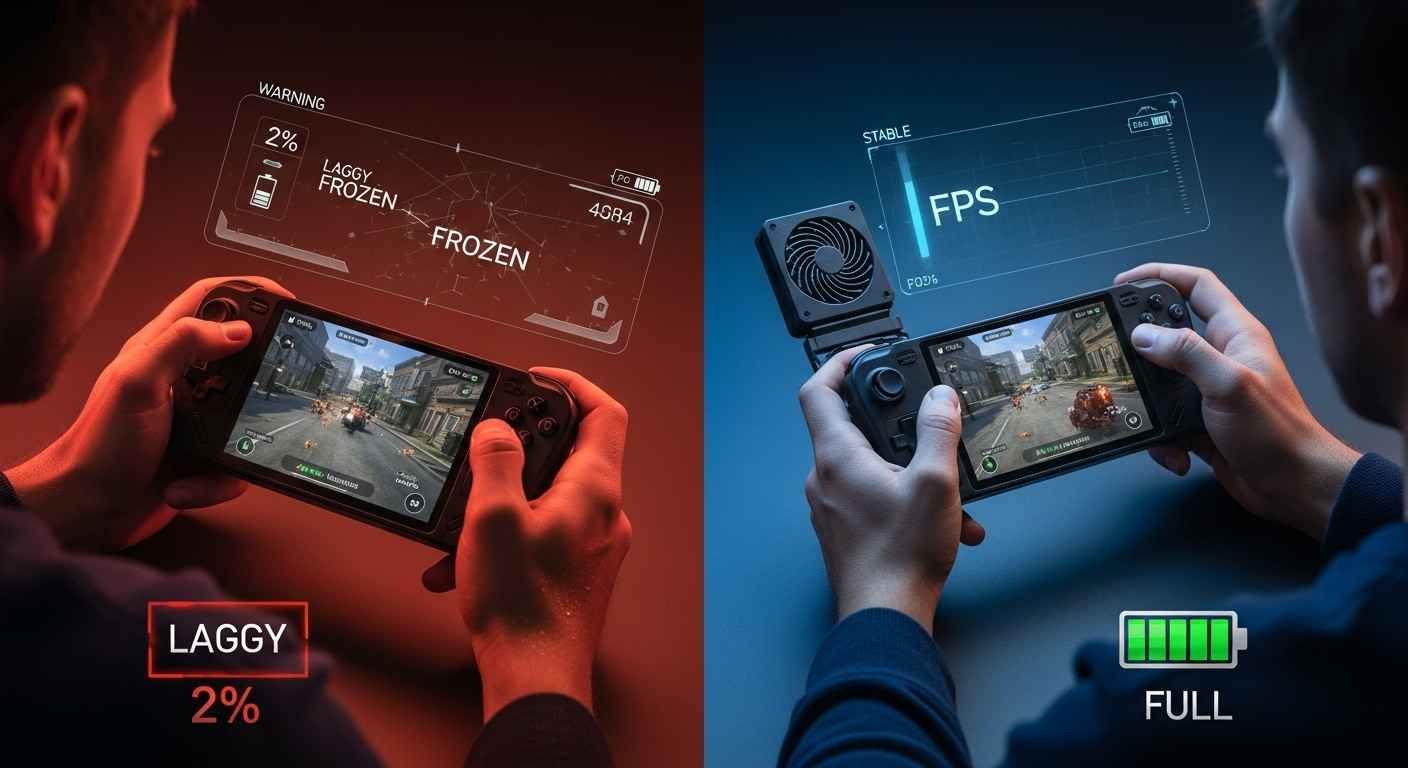
Have you ever felt the stinging heat of a smartphone burning your palms mid-match? Maybe you have watched your battery drop from 40% to zero in what felt like minutes. Worse yet, you might be struggling to navigate a clunky Windows menu on a tiny seven-inch screen. These frustrations are the silent “fun killers” of the modern era. We all want that perfect, console-quality experience in the palm of our hands. However, the path to getting there is often blocked by lag, dead batteries, and confusing settings.
If you feel overwhelmed by the endless hardware choices and technical jargon, you are not alone. It is exhausting to spend hundreds of dollars on a device only to have it stutter during a boss fight. This guide serves as your mentor to clear the fog. We will expose the secrets of the pros and show you how to turn your portable setup into a powerhouse. Whether you use a smartphone or a dedicated handheld PC, this is how you master the game.
Understanding the Handheld PC Revolution of 2026
The world of gaming on the go has split into two main paths. On one side, we have powerful handheld PCs like the Steam Deck and ROG Ally. On the other side, we have the smartphones we carry every day. Understanding which one fits your life is the first step to pro-level play.
In 2026, the gap between your desk and your pocket has closed. New chips like the Ryzen Z2 Extreme allow these small devices to play huge games. These “mini-computers” offer tactile buttons and joysticks that touchscreens simply cannot match. If you want to play titles like Cyberpunk 2077 or Starfield while sitting on a bus, this is your best bet.
Do not count out your phone just yet. With 5G networks and cloud streaming, your phone can now act as a portal to high-end gaming. The advantage here is convenience. You already own the hardware. By adding a few pro-level tricks, you can make your phone feel like a dedicated console without the extra bulk.
Fixing the Battery Drain Nightmare Once and For All
Nothing ruins a session faster than a “Low Battery” warning. Pro gamers do not just carry a charger; they manage their power like a resource. To stop the drain, you must look at your settings.
Cap Your Frame Rate
Running a game at 120 frames per second (FPS) on a small screen is a battery killer. Limit your game to 40 or 60 FPS. Your eyes will barely notice, but your battery will stay alive much longer. This simple change can often add an extra hour of playtime.
Use AI Upscaling for Efficiency
Technologies like FSR (FidelityFX Super Resolution) allow your device to render at a lower resolution and then “stretch” it to look sharp. This saves a massive amount of energy. It reduces the strain on the processor. This means less heat and more gaming time.
Adjusting TDP for Indie Titles
On devices like the Steam Deck, you can manually lower the Thermal Design Power (TDP). For simple indie games, you do not need full power. Dropping this can double your playtime. It prevents the device from using more electricity than the game actually requires.
Solving the Heat and Performance Struggle
When a device gets too hot, it slows down. This is called “thermal throttling.” It causes those annoying stutters right when the action gets intense. This happens because the internal fans cannot keep up with the heat generated by the graphics chip.
The Secret of Active Cooling Systems
If you play heavy games on a phone, a clip-on cooling fan is a game-changer. These devices use “peltier” cooling to physically pull heat away from the processor. For handheld PCs, ensure your vents are never covered by your fingers or a soft blanket. Airflow is the most important part of keeping your device running fast.
High-Performance Storage and Library Management
With games reaching sizes of 150GB, storage space is a constant battle. You cannot fit everything on a small internal drive. You need a hardware and software strategy to manage your games without deleting them all the time.
Modern games are huge. A slow card will cause long loading screens and “pop-in” graphics. Always look for cards rated UHS-I U3 A2 for the best speed. This ensures that the data moves fast enough to keep the game world loading smoothly around you.
Only keep the games you are actively playing on your internal SSD. Move older games to that high-speed MicroSD card. Most modern launchers allow you to move files between drives without redownloading them. This saves your internet data and your time. Imagine a user with a 512GB Steam Deck. By using an A2-rated 1TB card for indie games and the internal SSD for AAA titles, they avoid the “storage wall” entirely.
Essential Accessories for the Pro Experience
To play like a pro, you need the right tools. Standard touch controls are often slow and lack feel. They can also lead to oily smudges on your screen that ruin the image quality.
Hall Effect Controllers and Durability
Look for controllers or handhelds with Hall Effect sensors. Unlike older sticks, these use magnets to track movement. They never “drift” and stay accurate for years. This is a vital upgrade for anyone who plays competitive shooters or racing games.
The Rise of GaN Charging Technology
These chargers are smaller and stay cooler than old bricks. A 65W or 100W GaN charger can fast-charge your device while you play. Ensure your device supports “Bypass Charging.” This feature lets the power go straight to the system instead of the battery, which reduces heat.
Navigating the Cloud Gaming Landscape
Cloud gaming is the ultimate solution for those with older hardware. Services like Xbox Cloud Gaming or NVIDIA GeForce Now do the hard work on a server far away. Your device just shows the video. It is like Netflix but for games.
To make this work, you need a stable connection. Pro tip: If you are at home, use a 5GHz or 6GHz Wi-Fi band. These are much faster and have less “noise” than the standard 2.4GHz bands. This reduces the “input lag” that makes games feel heavy or slow. Even a cheap phone can feel like a high-end PC with the right network setup.
Health and Ergonomics for Long Gaming Sessions
Pro gaming is not just about the screen; it is about you. Holding a heavy device for three hours can hurt your wrists and neck. You might feel a dull ache in your thumbs or a strain in your eyes.
The 20-20-20 Vision Rule
Every 20 minutes, look at something 20 feet away for 20 seconds. This stops eye strain. It allows the muscles in your eyes to relax after staring at a screen that is only inches away.
Maintaining Neutral Wrist Positions
Use a “grip case” if your device feels too flat. This keeps your hands in a natural position and prevents cramps. A good grip allows your fingers to reach the triggers without stretching too much.
Blue Light Management
If you play at night, turn on the “Night Light” feature. It helps you fall asleep faster after a late-night session. Blue light tricks your brain into thinking it is daytime, which can ruin your sleep schedule.
The Ultimate Guide to Software and Operating Systems
One of the biggest hurdles is the software. Windows 11 was made for mice, not joysticks. To master your device, you must optimize the operating system or choose the right platform for your needs.
Optimizing the Interface
If you are stuck with Windows, use “Launcher” software like Armoury Crate or Steam Big Picture Mode. These create a console-like interface. It removes the need to poke at tiny desktop icons with your thumb. You should also disable background services like print spoolers or search indexers. This frees up RAM and gives your game more room to breathe.
Choosing Between SteamOS and Windows
If you only play games on Steam, use SteamOS. It updates itself and sleeps instantly when you press the power button. This “pick up and play” nature is what makes portable gaming fun. However, if you use Game Pass or Epic Games Store, you need Windows. It is more work to set up, but it gives you total freedom. Just be prepared to spend some time in menus to get things perfect.
The Social and Multiplayer Aspect of Portable Play
Gaming on the move does not mean gaming alone. Modern devices have built-in microphones and Wi-Fi that keep you connected to your friends.
Voice Chat on the Go
Using apps like Discord in the background is easy on modern handhelds. Just be sure to use a headset. Built-in microphones often pick up the sound of the fans or your buttons clicking. A simple pair of earbuds can make communication much clearer.
Competitive Play and Latency
If you play games like Valorant or League of Legends, latency is your enemy. Whenever possible, use a USB-C to Ethernet adapter. A wired connection is always more stable than even the best Wi-Fi. It gives you the edge in high-stakes matches.
Protecting Your Investment with Durability Tips
Handhelds are expensive and fragile. One drop can end your gaming journey. You must protect the screen and the delicate internal components.
Screen Protection Essentials
Always use a tempered glass screen protector. It does not affect the touch sensitivity but prevents scratches from dust or keys. It is a small price to pay to keep your display looking brand new.
Safe Travel Habits
Never toss your device into a bag without a hard shell case. The joysticks are the most fragile part. If they get pressed sideways for too long, they can break or start to drift. A hard case protects the sticks and prevents the screen from getting crushed.
Understanding Game Compatibility and Settings
Not every game works perfectly on a small screen. Some have text that is too small to read. Others require a mouse and keyboard to function correctly.
Checking Verified Status
Platforms like Steam have a “Verified” program. This tells you if a game works well on a handheld. It checks for controller support and readable text. Always check this before buying a new game for your portable device.
Custom Controller Mapping
If a game does not support controllers, you can often map the buttons yourself. Software like Steam Input allows you to turn the joystick into a mouse. This opens up thousands of older games that were never meant for portable play.
The Future of Portable Technology in 2026
We are seeing a shift toward foldable screens and more efficient batteries. The devices of today are only the beginning.
The Rise of NPU-Enhanced Gaming
Neural Processing Units (NPUs) are now helping with frame generation. They use AI to create “fake” frames that make the game look smoother without using more power. This technology is becoming a standard in 2026 handhelds.
OLED Displays and Visual Quality
OLED screens are now the gold standard. They provide perfect blacks and vibrant colors. They also use less power when displaying dark images. This makes them perfect for both beauty and battery life.
Advanced Network Tweaks for Streamers guides Theportablegamer
If you stream your gameplay to Twitch or YouTube from your handheld, your network needs to be perfect.
Bandwidth Management
Ensure your handheld has “Priority” on your home router. This prevents other people in your house from causing lag when they start watching videos. Most modern routers have a “Gaming Mode” that does this automatically.
Using External Capture Cards
For the highest quality stream, do not record on the handheld itself. Use a USB-C dock to send the video to a PC. This keeps the handheld cool and ensures your stream never lags.
Maximizing Value and Finding Deals
Gaming can be expensive, but portable gamers have many ways to save money.
Subscription Services
Services like Xbox Game Pass or PlayStation Plus provide hundreds of games for a monthly fee. This is the best way to fill up a new handheld without spending thousands of dollars. It allows you to try games you might never have bought.
Seasonal Sales and Bundles
Wait for big sales to buy your games. Sites like Humble Bundle often offer packs of games for very low prices. Since portable devices can play older games easily, these bundles are a gold mine for content.
Maintaining Your Device for Long-Term Use
A clean device is a fast device. Dust and poor charging habits are the enemies of performance.
Cleaning the Fans and Vents
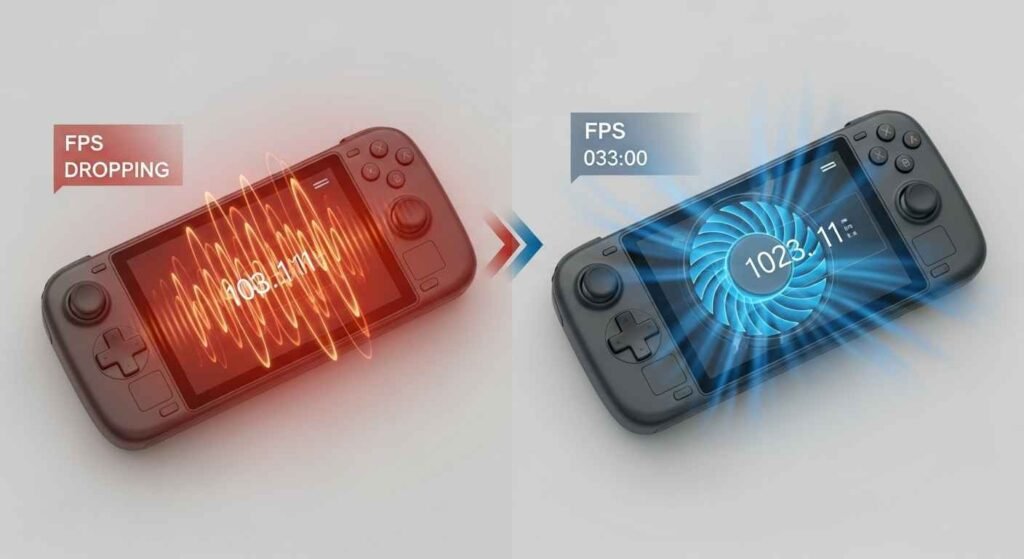
Every few months, use a can of compressed air to blow dust out of the vents. This keeps the air flowing and prevents the device from getting too loud. Just make sure the device is turned off before you do this.
Battery Health Habits for Longevity
Do not let your battery stay at 0% or 100% for too long. If you are playing while plugged in, use “Battery Limit” settings. This stops the charge at 80%. It prevents chemical wear and ensures your battery lasts for years rather than months.
Conclusion
We have exposed the truth about portable gaming. It is not just about having the most expensive gadget. It is about knowing how to manage your power, keep your hardware cool, and use the right tools for the job. You now have the knowledge to fix the most common frustrations that hold other players back.
By following these guides theportablegamer, you can step away from the wall outlet and into a world of seamless play. Remember to listen to your device—if it gets hot or slow, give it a break or tweak your settings. You are now ready to master mobile gaming like a true pro!
FAQs
How can I make my battery last longer using guides theportablegamer?
To extend battery life, you should lower your screen brightness and cap the frame rate to 30 or 40 FPS. You can also lower the TDP (power limit) for games that do not need much energy. Turning off Wi-Fi and Bluetooth when not in use also helps significantly.
Is cloud gaming better than playing games locally?
Cloud gaming is better if you have a weak device but a very fast internet connection. It saves battery life and does not create heat. However, local gaming is better for competitive matches because there is zero “input lag” or delay between your button press and the action on screen.
Why does a handheld PC get loud according to guides theportablegamer?
The fans spin faster to cool down the processor when you play demanding games. To reduce noise, you can lower your graphics settings or use a “Silent Mode” in your device settings. Cleaning dust out of the vents also helps the fans work more efficiently.
Can I use a regular phone charger for my gaming handheld?
Most handhelds use USB-C, but they require more power than a standard phone charger. A phone charger might take 10 hours to charge a handheld, or it might not charge at all while you play. Always use a 65W or higher PD (Power Delivery) charger for the best results.
Does a MicroSD card slow down my games?
A MicroSD card is slower than the internal SSD, so loading screens will take longer. However, once the game is loaded, most titles run exactly the same. Only very large, modern “open-world” games might show some stuttering if played from a slow SD card.
Disclaimer:
The information provided in “Guides thePortableGamer” is for educational purposes only. While we strive for 100% accuracy, hardware specifications and software performance may vary based on your specific device model and environmental factors. Always follow manufacturer safety guidelines when adjusting power settings or opening hardware. We are not responsible for any technical issues or hardware damage resulting from the application of these pro-level tips.
You May Also Like: Category Latest MeltingTopGames You Can’t Miss
For More Information, visit TryHardGuides.

Evelyn White is a gaming content strategist and logic specialist with a background in interactive media and puzzles. She leads the Gaming section, focusing on data-driven solving guides and modern puzzle trends. From daily word game strategies to complex logic grid breakdowns, Evelyn’s goal is to improve reader skills through actionable tips and expert analysis. She monitors thousands of gameplay challenges to identify the most efficient strategies, ensuring that every guide provides genuine value and helps players master their favorite games.