
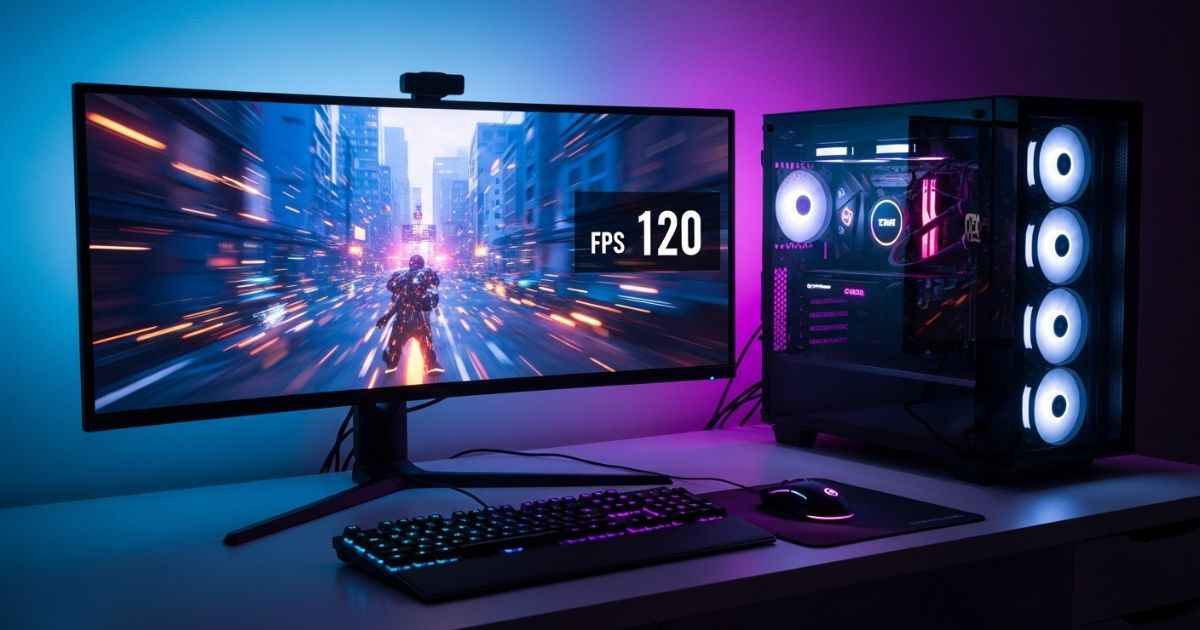
Picking the right gaming computer can be confusing. Many games today need strong hardware to run well. This guide will show you what parts matter most for good gaming performance. Keep reading if you want smoother, faster gameplay!
Determine Your Gaming Needs
Think about the types of games you like to play. Set your goals for screen quality and smooth gameplay.
Preferred game genres and performance requirements
Different game genres need different levels of gaming performance. First-person shooters and fast action games require high frame rates and strong graphics cards for smooth play. Games like Counter-Strike 2 or Call of Duty: Modern Warfare II can demand a refresh rate above 120Hz at 1080p resolution for best results.
Strategy games, such as Civilization VI, focus more on CPU power than GPU because there are many units and tasks to process. “High-end titles like Cyberpunk 2077 or Red Dead Redemption 2 often recommend an NVIDIA GeForce RTX 3070 or better,” according to gaming benchmarks in 2024.
Indie games and older games usually work well with mid-range PC components, so you do not always need the latest hardware for good performance.
Resolution and frame rate goals
Game genres affect how you view resolution and frame rate. For action games, higher frame rates mean smoother play. You might want 60 frames per second (FPS) or more for fast-paced games.
These rates reduce lag and keep your gameplay crisp.
Resolution matters too. Many gamers aim for at least Full HD (1080p). This gives clear images that enhance the experience. Others prefer 4K (2160p) for even sharper visuals, but this needs a strong graphics card.
Balancing resolution with frame rate goals is key to getting the best gaming performance from your setup.
Key Components to Consider
The right parts make a big difference in your gaming experience. Focus on the graphics card, CPU, RAM, and storage to get the best performance.
Graphics Processing Unit (GPU)
A strong Graphics Processing Unit, or GPU, is key for gaming performance. It handles the graphics in games. A better GPU means smoother visuals and faster frame rates. Gamers should look for a GPU that matches their gaming needs.
Many popular GPUs come from brands like NVIDIA and AMD. They offer different models with varying power levels. High-performance GPUs can run games at higher resolutions, such as 4K, with great detail.
If you want fast action without lag, invest in a good GPU to improve your gaming setup.
Central Processing Unit (CPU)
The Central Processing Unit, or CPU, is the brain of your gaming computer. It runs your games and handles all tasks. A powerful CPU will enhance performance. Search for CPUs with multiple cores and high clock speeds for better gameplay.
Good options include Intel Core i5 or AMD Ryzen 5 and up. These CPUs can easily support today’s games at high settings. Ensure the CPU you select pairs well with your graphics card to prevent bottlenecks in performance.
To achieve the best performance in these demanding games, investing in a solid gaming pc setup is crucial.
Next, consider memory or RAM for your setup.
Memory/RAM
Moving on from the CPU, memory or RAM is another key part of a gaming computer. RAM stores data for quick access by the CPU. More RAM can help your games run smoothly without lag. For most gamers, 16GB of RAM is a solid choice.
It’s enough for top games and multitasking.
High-performance titles may need even more memory, around 32GB or more. This ensures you don’t face slowdowns during intense gaming sessions. Keep in mind that faster RAM improves loading times too.
Check your motherboard to see how much and what type of RAM it supports before buying any components.
Storage type and capacity (SSD vs. HDD)
Memory plays a significant role in your gaming computer’s performance. Now let’s examine storage type and capacity. There are two main options: SSD and HDD.
An SSD, or solid-state drive, is faster than an HDD, or hard disk drive. It loads games quickly. This means less waiting time when you start a game. An SSD can enhance your experience with faster file access.
Most gamers prefer it for high performance.
HDDs are less expensive and offer more space for the price. They work well for storing large games and files, but they are slower than SSDs. Many gamers use both types together to balance speed and storage size; this way, they achieve the best of both worlds in their gaming setup.
Additional Features to Look For
When choosing a gaming computer, check for good cooling systems and enough ports for your gear. These features can really boost your gaming experience. Want to know more? Keep reading!
Cooling systems
Cooling systems are vital for a gaming computer. They keep the components from overheating during intense gameplay. A well-cooled PC can perform better and last longer. You can find two common types of cooling: air cooling and liquid cooling.
Air coolers use fans to move air over heat sinks, which helps remove heat from the CPU or GPU. Liquid coolers use coolant to absorb heat and then release it through radiators with fans.
Both options have their pros and cons in terms of performance, noise, and price. Choosing the right cooling system can greatly improve your gaming setup’s efficiency and longevity.
Ports and connectivity options
Ports and connectivity options matter for a good gaming setup. Look for USB ports to connect your mouse, keyboard, or headset. HDMI and DisplayPort are important for connecting monitors.
Having enough of these ports can make playing easier.
Check for Wi-Fi capabilities too. A strong Internet connection is crucial for online games. Some PCs have Ethernet ports for wired connections as well. This helps reduce lag during gameplay.
Ensure that the computer supports all the devices you plan to use with it.
Upgrade potential
Ports and connectivity options help your gaming setup. Upgrade potential is key for performance. A good gaming computer should allow you to change parts later. You may want to swap out a graphics card or add more RAM.
Upgrade options keep your PC relevant as games improve. Many prebuilt systems limit upgrades, while custom builds offer more flexibility. Think about how easy it is to access the internal parts before buying.
Strong upgrade potential ensures you get great performance for years to come.
Prebuilt vs. Custom-Built PCs
Prebuilt PCs are ready to use right out of the box. They save time and effort but may lack some personal touches. Custom-built PCs let you choose every part. They offer more flexibility for upgrades but require research and assembly.
Pros and cons of each option
Prebuilt gaming computers offer convenience. They come ready to use right out of the box. Many brands ensure high performance with good specifications. This can save you time and effort, especially for those who are not tech-savvy.
On the downside, these systems often cost more than custom builds. You can’t choose each part according to your needs.
Custom-built PCs provide flexibility and control. You can select every component based on your gaming requirements. This option often results in better value for money if you pick wisely.
Building a PC requires knowledge and effort, though, which might be challenging for some people. It also takes time to gather parts and assemble everything correctly.
Conclusion
Choosing the right gaming computer is key for great performance. Know your needs first. Decide what games you play and how you want them to look. Focus on parts like the graphics card, CPU, and RAM.
Think about cooling systems and upgrade options too. Whether you buy prebuilt or build your own, make sure it fits your tastes. Good luck finding the perfect setup!

Evelyn White is a gaming content strategist and logic specialist with a background in interactive media and puzzles. She leads the Gaming section, focusing on data-driven solving guides and modern puzzle trends. From daily word game strategies to complex logic grid breakdowns, Evelyn’s goal is to improve reader skills through actionable tips and expert analysis. She monitors thousands of gameplay challenges to identify the most efficient strategies, ensuring that every guide provides genuine value and helps players master their favorite games.