
Last Updated: 18/April/2026
Managing a plumbing or HVAC business requires speed and precision. In the past, tradesmen spent hours on the phone checking stock or driving to branches only to find empty shelves. The Hajoca Hub is the official digital solution designed to end these delays. It acts as a live link between your job site and the massive inventory of Hajoca Corporation. By using this portal, professionals can track orders, view real-time pricing, and manage their business from a single dashboard. This guide explains how to master the hub to keep your projects moving forward.
What is the Hajoca Hub?
The Hajoca Hub is an advanced online management portal for customers of Hajoca Corporation. Hajoca was founded in 1858 and has grown into the largest privately owned wholesale distributor of plumbing, heating, and industrial supplies in the country. The hub is not just a catalog; it is a professional tool that connects you to over 450 locations.
For modern pros, this platform serves as a virtual office. It provides a direct look into the local branch inventory. This means you can see what is available at your specific warehouse before you ever leave the shop. It is built to support the high-speed needs of the plumbing, HVAC, and pool industries.
How to Access the Hajoca Hub Login
Getting into your account is the first step to improving your workflow. The system is secure and keeps your specific contract pricing private. Follow these steps to access your dashboard:
- Visit the Official Portal: Go to the official website at hub.hajoca.net.
- Enter Credentials: Use your registered email address or username and your password to sign in.
- Request Access: If you do not have an account, you must request one through your local branch. You can find a “Request online account access” link on the login page.
- Password Recovery: If you forget your details, use the “Forgot user id or password” link. The system will send a reset code to your registered email to get you back online quickly.
Key Features That Solve Pro Logistics
The primary goal of the Hajoca Hub is to simplify the way you get parts. It removes the “guessing game” from your daily routine. By using the following features, you can save hours of time every week.
Real-Time Local Stock and Inventory Tracking
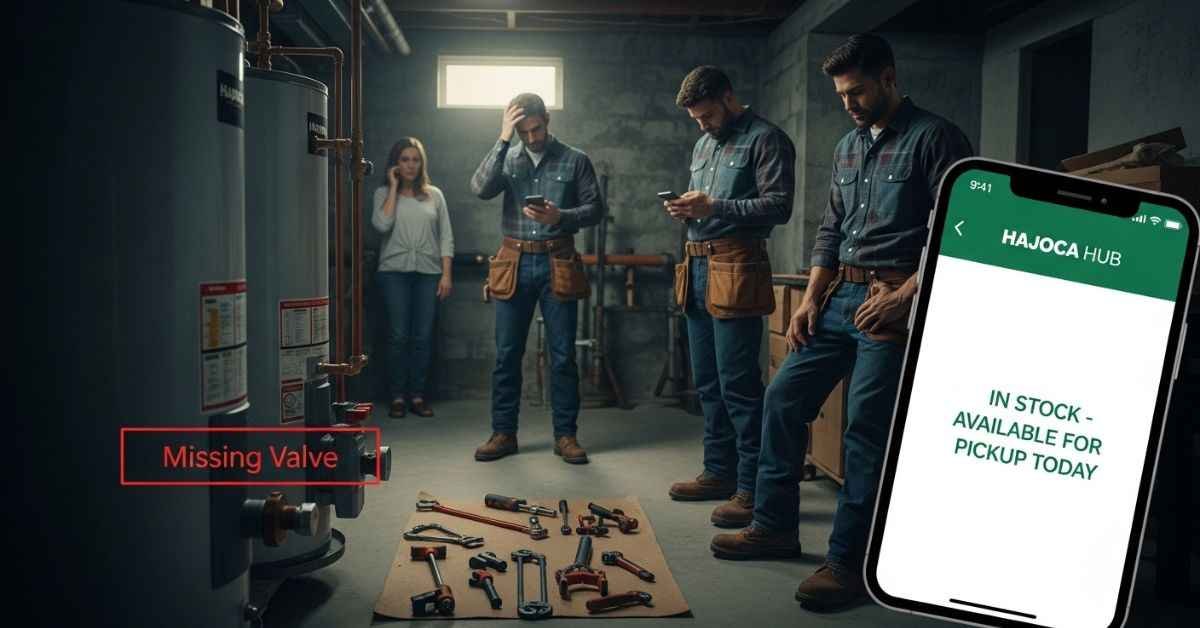
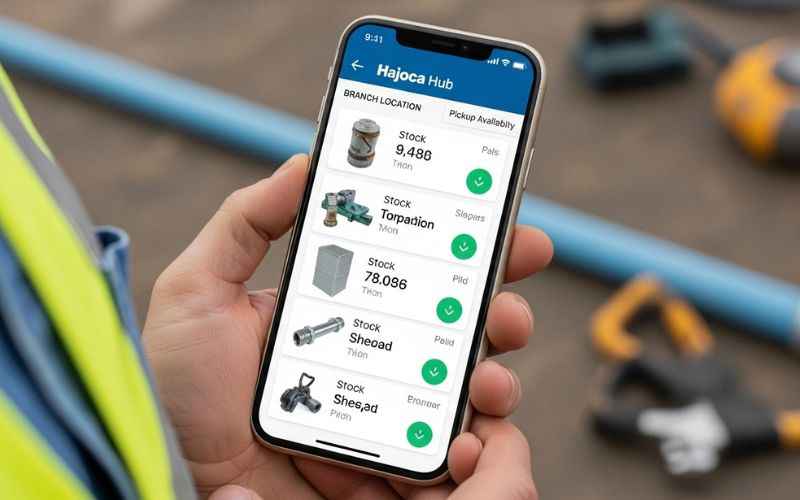
One of the biggest problems for any pro is a lack of stock. You cannot finish a job if pipes or valves are missing. This delay costs you money and hurts your reputation with customers. The hub solves this by showing a live look at local stock. You can see the exact count of items at your local branch. This clear view lets you plan your day with total confidence. You never have to drive for a part that is not there.
Digital Invoice and Bid Management
Paperwork is a major hurdle for busy teams. Sorting through old invoices for tax time or finding a price for a quote can take hours. The hub acts as a central home for all your records. You can log in to view past orders and current bids instantly.
- View Invoices: Pull up billing details in seconds for easy accounting.
- Track Bids: See your active quotes to stay on top of new leads.
- Order History: Re-order common parts with just one or two clicks.
Mobile Access via the Hajoca Hub App
Work does not happen behind a desk. You are often in a basement, on a roof, or in your truck. The Hajoca Hub app is available on the Google Play Store and Apple App Store. This app brings the power of the desktop portal to your phone. You can check a price while standing in a customer’s kitchen or place an order while sitting in your van.
Using the Hajoca Hub Mobile App for Field Work
The mobile app is a game-changer for technicians who are always on the move. It allows you to be more productive without needing to call the office. Here is how you can use the hub on your mobile device:
- Barcode Scanning: Use your phone camera to scan a product barcode and see its price and stock level immediately.
- GPS Branch Locator: Find the nearest Hajoca location when you are working in a new town or neighborhood.
- Quick Ordering: Add items to your cart while at the job site and send the order to the branch for “Will Call” pickup.
- Instant Updates: Receive notifications on your phone when your order is ready for pickup or when it has shipped to your site.
Connecting with Your Local Hajoca Branch
Unlike many giant corporations, Hajoca uses a local business model. Each branch is run by people who live in your community. The hub connects these local experts with national resources. This means your local branch manager has the power to make choices that help you.
They use the data from the hub to see which items your specific area needs the most. This partnership ensures the shelves at your local store stay stocked with the tools you actually use. Whether you deal with Hajoca York or a branch in Grand Terrace, the hub makes sure your local team is always ready to support your business.
Advanced Business Growth Tools
The Hajoca Hub does more than just sell parts. It helps you build a smarter company. It offers tools that help you train your team and understand your spending.
Training and Skill Development
If you lead a team, you know that training is a hurdle. The hub offers a clear path for learning. Your workers can watch videos and read guides on the latest high-tech tools. Staying updated means you can offer better solutions than your rivals. A well-trained team makes fewer errors, which keeps your customers happy and your costs low.
Profit Tracking and Data Analytics
Many pros run their business based on a “gut feeling.” The hub gives you simple reports that show the actual health of your business. You can see which jobs were the most profitable. Knowing your numbers makes you a more powerful leader. You can talk to your bank or your reps with total confidence.
- Spending Charts: See where your money goes on supplies each month.
- Profit Tracking: Compare your initial bids to your final costs.
- Monthly Summaries: Review your growth over the last year to plan for the future.
Troubleshooting Common Hajoca Hub Issues
Sometimes technology can be tricky. If you have trouble with the portal, use these quick solutions to get back to work:
- Page Not Loading: Clear your browser cache or try a different browser. Google Chrome and Microsoft Edge are recommended for the best experience.
- Account Locked: If you enter the wrong password too many times, your account may be locked for safety. Contact your local branch representative to unlock it.
- Pricing Not Showing: Ensure you are logged into your professional account. If pricing still does not show, your branch may need to refresh your account permissions.
- App Sync Issues: If the app is not showing your latest orders, try logging out and logging back in to force a data refresh.
Why This Platform Outshines the Rest
Most supply stores have simple websites, but few have a real “hub.” Other sites are just catalogs that do not talk to the local branch in real-time. The Hajoca Hub is built around the idea of a local partnership. The content and stock levels are tailored to your specific local market.
When you use the hub, you are using a tool that is backed by a team that knows your face. It combines high-tech convenience with a human touch. This is why so many pros choose Hajoca over every other brand. It turns raw data into a map for your future success.
Frequently Asked Questions
How do I join the Hajoca Hub as a new pro?
You can start by visiting your local Hajoca branch or trade shop. Ask your sales representative to help you set up your online portal. They will guide you through the sign-up process and show you the main features. The process is very fast and allows you to start ordering online almost immediately.
Can I manage my whole team through this one portal?
Yes, the system allows you to add different users with specific roles. You can let some workers see stock while others handle the billing and invoices. This helps you keep your sensitive data safe while empowering your workers to do their jobs.
Is the data on the hub always up to date?
The hub uses a live system that connects directly to the local branch inventory. When a part is sold at the counter, the count changes on your screen too. This real-time accuracy ensures you are never looking at old or incorrect information.
Who owns Hajoca Corporation?
Hajoca is a privately owned company. This allows them to focus on long-term relationships with pros rather than just worrying about short-term stock prices. This private ownership is a big reason why they maintain such a strong focus on local branch management.
Does it cost money for a pro to use this hub?
Access to the hub is a free service for loyal Hajoca trade customers. It is part of the value they provide to help your business grow. You get access to all these professional tools without any extra monthly service fees.
Conclusion
The Hajoca Hub is a vital tool for any plumbing or HVAC professional who wants to work smarter. It removes the stress of missing parts and the pain of messy paperwork. By providing expert data and real-time stock levels, it allows you to work with total confidence. Joining this network gives you the power of a national company with the heart of a local partner. Log in to the hub today and start streamlining your business logistics for better growth.
Disclaimer
This guide is for learning only. We want to help you understand the Hajoca Hub. We do our best to give correct facts. However, features or tools may change at any time. We are not the official Hajoca company. You should always check with your local store or the main website before you buy anything. We are not responsible for any choices you make using this data.
You May Also Like:
Exclusive Investigation of www shopnaclo com – Safe to Shop or Risky?
Milyom Explained: Features, Risks, and How to Use It Safely
For More Information, visit TryHardGuides.

Alex Taylor is a seasoned technology writer and systems specialist with over 5 years of experience in hardware maintenance and digital troubleshooting. He specializes in practical tech guides, focusing on making complex technical repairs and software optimization accessible to everyday users. Alex personally reviews and fact-checks every guide to ensure that maintenance tips are safe, effective, and budget-friendly. Whether it’s a hardware fix or a software setup, his work is driven by a passion for technical clarity and real-world utility.