
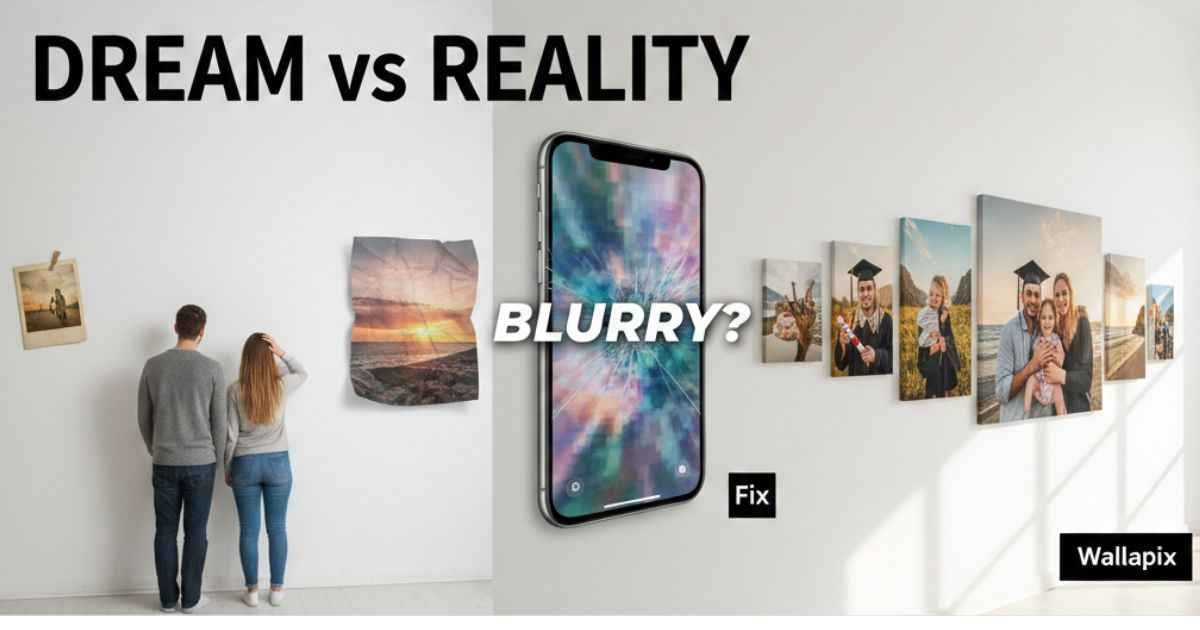
Do you ever feel like your home decor is just plain? Many of us spend hours scrolling through social media. We see beautiful homes and cool phone screens. Then we look at our own walls and they feel empty. Maybe you tried to print a photo before. You were so happy to see it. But when the box arrived, the picture looked blurry. It was fuzzy and dark. It did not look like the bright photo on your phone. This is a common hurdle that makes people give up on custom art.
Another big frustration is the search for the perfect phone background. You want something that shows who you are. Instead, you find the same five images everyone else has. Or you find a cool picture, but it does not fit your screen. It gets cut off in the wrong places. It makes your expensive phone look cheap. It is very annoying when you want to be unique but everything feels generic.
Wallapix is here to solve these exact problems. It is a tool that helps you turn your favorite digital memories into real art. It also gives you high-quality images for your devices. You do not have to be an expert designer to use it. It is built to help you avoid the stress of bad quality. In this guide, we will show you how to use Wallapix to fix your home and your screens. You will learn how to get crisp prints every single time.
Simple Ways to Fix Your Home Decor with Wallapix
Many people think they need a lot of money to make a home look good. That is not true. The biggest problem is often that our walls do not tell a story. We buy a random painting from a big store. It looks okay, but it does not mean anything to us. Wallapix helps you change this. You can use your own photos to create something special.
When you use your own photos, you add warmth to your room. Think about a photo from a great day at the beach. Or a picture of your pet. When you see these on your wall, you feel happy. It is a direct solution to a boring room. Wallapix offers different ways to display these memories. You can choose a big canvas or a small photo book.
A canvas print is a great choice for a living room. It has a nice texture that makes the photo look like a real painting. This texture also helps hide small mistakes in the photo. If your photo is not perfect, a canvas can make it look much better. It is a smart way to get art that feels professional but stays personal.
Get Crisp and Clear Prints Every Time
The biggest fear for most people is pixelation. This is when a picture looks like it is made of tiny squares. It happens when you try to make a small photo too big. If you want a large wall print, you need to start with a good file. Wallapix helps you understand if your photo is ready for a big print.
To avoid blurry prints, look at the size of your photo file. A good rule is to use photos that are at least two megabytes. If the file is very small, it will not look good on a wall. You should also check the lighting. Photos taken in bright sunlight always print better than dark photos. Dark photos often look “noisy” or grainy when they are printed on a large canvas.
- Check the size: Ensure your photo is high resolution.
- Watch the light: Use bright, clear images.
- Stay centered: Keep the main part of the photo in the middle.
If you follow these steps, your Wallapix product will look sharp. You won’t have to worry about wasting money on a fuzzy print. It gives you the confidence to turn your digital files into real-life treasures.
Stunning 4K Wallpapers for All Your Screens
Your phone is the thing you look at the most every day. If the wallpaper is boring, it can make you feel uninspired. Finding a 4K wallpaper that actually fits your screen is a common struggle. Many websites promise high quality but give you blurry files. Wallapix is different because it focuses on 4K resolution.
4K means there are four times more details than a regular high-definition image. When you use a 4K wallpaper, everything looks crisp. The colors are deeper. The lines are sharper. It makes your screen pop. Wallapix has a huge library of these images. You can find nature scenes, cool space art, or simple colors.
The best part is that these images are made for modern screens. They fit perfectly without being stretched. You don’t have to spend time cropping or fixing the image. You just download it and set it as your background. It is a fast and easy way to refresh your tech.
How the Smart System Finds Your Best Style
Sometimes there are too many choices. You might spend an hour looking for a wallpaper and find nothing. This is called “choice fatigue.” It makes you feel tired and frustrated. Wallapix uses a smart system to solve this. It learns what you like.
If you often look at mountain photos, the system will show you more nature. If you like dark colors, it will suggest moody art. This saves you a lot of time. You don’t have to search through thousands of pictures. The best ones come to you. It feels like having a personal assistant for your phone’s style.
This system is very helpful for busy people. You can get a fresh look for your device in just a few seconds. It keeps your screens feeling new and exciting all the time.
Turn Your Memories into a Gift They Will Keep
Finding a good gift is very hard. We often buy things that people don’t really need. Then those gifts just sit in a closet. A personalized photo product is a great solution. It is a gift that shows you put in real effort. It shows that you care about the person.
Wallapix makes it easy to create these gifts. You can make a photo book of a shared trip. You can make a custom calendar for a grandparent. These are things people keep for a long time. They are not just objects. They are stories.
Because the quality is high, the gift looks expensive and professional. The person receiving it will think you spent a lot of time on it. But with Wallapix, the process is actually very quick. It is a smart way to be a great gift-giver without the stress.

Making Your Photos Look Like Real Art
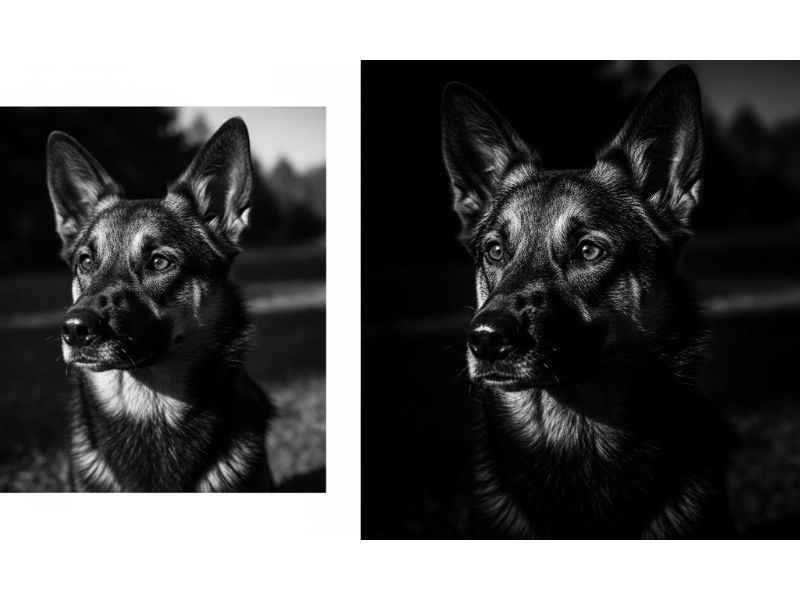
Some people worry that their photos are not “artistic” enough. They think only professional photographers can have big wall art. Wallapix helps you fix this feeling. You can use simple tools to change the look of your photo. You can make it black and white for a classic feel. You can add a filter to make the colors warmer.
These small changes can turn a regular snapshot into a masterpiece. You don’t need to know how to use complex software. The platform does the hard work for you. This allows you to be creative without the confusion. It gives you the power to design your own home.
- Black and White: Great for emotional family portraits.
- Vibrant Filters: Best for vacation and nature shots.
- Minimalist Layouts: Perfect for modern and clean homes.
Why High Quality Matters for Your Digital Life
In 2026, our screens are better than ever. We have high-tech phones and laptops with amazing displays. If you use a low-quality image on these screens, it looks bad. It is like driving a fast car on a bumpy road. You are not getting the best experience.
Using 4K content from Wallapix ensures you use your devices to their full potential. It protects your eyes from strain caused by blurry images. It also keeps your digital space organized and professional. A clean, high-res background can actually help you focus better while you work.
Easy Steps to Start Your First Project
If you are ready to fix your space, starting is simple. You don’t need to sign up for a long course. You just need a photo and a few minutes.
First, pick your favorite memory. Don’t overthink it. Just pick the one that makes you smile. Second, decide where you want to see it. Do you want it on your wall or on your phone? If it’s for your wall, choose a canvas. If it’s for your phone, browse the 4K section.
Third, follow the easy steps on the site. Upload your photo and see how it looks in the preview. The preview is very important. It shows you exactly what the final product will look like. If it looks good there, you are ready to go.
Final Thoughts on Better Living Through Visuals
We all deserve to live in a space that feels good. Our homes and our phones should reflect who we are. The struggle of blurry prints and boring backgrounds is now over. Wallapix gives you the tools to solve these problems with ease.
You now know how to check for quality. You know how to use 4K to make your screens shine. You also know how to create gifts that people will love. By using these simple steps, you can turn your digital life into something beautiful. You don’t have to settle for generic options anymore. Your memories are special. They deserve to be seen in the best way possible.
Whether you want a giant canvas for your hallway or a sharp new look for your mobile, the answer is simple. Start with high resolution, use your best memories, and let the smart tools help you. You will be amazed at how much better your world looks.
Frequently Asked Questions (FAQs)
Why do my Wallapix prints look blurry when they arrive?
Blurry prints usually happen because the original photo resolution was too low for the size you chose. For a crisp Wallapix canvas, aim for a resolution of 300 DPI. If you are printing a large wall piece, ensure your file size is at least 2MB to 5MB to avoid pixelation and maintain sharp details.
How can I tell if my photo is high enough quality for a large canvas?
A quick way to check is to zoom in on your photo on a computer screen until it is the size you want to print. If it looks “blocky” or fuzzy on your monitor, it will look the same on your wall. Wallapix provides a real-time preview tool that warns you if your image quality is too low for your selected product.
Is Wallapix 4K wallpaper better than standard HD backgrounds?
Yes, 4K resolution offers four times the detail of standard HD. On modern smartphones and high-end monitors, standard HD can look “soft” or slightly dull. Wallapix 4K wallpapers ensure that every pixel is utilized, giving you deep blacks, vibrant colors, and razor-sharp edges.
How do I stop my phone from blurring my 4K wallpaper?
Some smartphones, especially iPhones with newer iOS versions, apply a “Background Blur” by default to make your app icons easier to see. You can fix this by going to your Wallpaper Settings, selecting “Customize,” and toggling off the “Blur” or “Legibility Blur” icon (usually shaped like a water droplet).
What is the best material for a family photo: Canvas or Acrylic?
It depends on your home’s style. Canvas is classic and has a soft, painted texture that adds warmth to a room. Acrylic glass is modern, very shiny, and makes colors look incredibly vivid. If you want a “gallery” look, choose canvas; if you want a sleek, high-tech look, go with acrylic.
Disclaimer: The information provided in this article is for general informational purposes only. While we strive to provide accurate and up-to-date guidance on digital imagery and printing standards, individual results may vary based on original file quality, hardware specifications, and specific printing materials. This content is not officially affiliated with or endorsed by any specific software developer or hardware manufacturer. Always check individual product specifications and terms of service before making a purchase or downloading third-party applications.
You May Also Like: Erothtos Revealed: The Surprising Truth Behind Its Power
For More Information, visit TryHardGuides.

Emma Rose is the founder of TryHardGuides.co.uk and a senior content strategist specializing in lifestyle, personal development, and digital entrepreneurship. With a focus on evidence-based living, she produces actionable content designed to help readers make informed life decisions and navigate the evolving tech-lifestyle landscape. As the editorial lead, Emma oversees the site’s mission to provide trustworthy, high-authority information. Her work reflects a commitment to personal growth, transparency, and the pursuit of a well-balanced, informed life.